
Download Game Jolt Desktop – indie games, free games, game catalog, desktop client, game developer support
Overview
Game Jolt Desktop is the official desktop client for Game Jolt, a prominent platform dedicated to independent and free video games. Designed for enthusiasts of indie gaming, the application serves as a centralized hub for discovering, downloading, and managing a vast library of user-created titles. Its primary purpose is to streamline access to over 100,000 games, offering users a convenient alternative to browser-based navigation. The app solves common challenges associated with fragmented indie game discovery by consolidating content into a single, intuitive interface.
Target users include casual gamers, indie game collectors, and supporters of independent developers seeking a reliable way to explore and engage with non-commercial titles. The platform fosters community interaction by enabling users to follow developers, share feedback, and contribute financially through a pay-what-you-want model. This creates a sustainable ecosystem where creativity is rewarded and innovation is encouraged.
As a desktop client, Game Jolt Desktop enhances usability by reducing reliance on web browsers and offering offline access to game libraries. The developer, Game Jolt, has established a reputation for supporting emerging talent in the gaming industry. Although specific technical details about the development team were not provided, the app’s integration with major social logins and its focus on user experience reflect a commitment to accessibility and inclusivity. In the broader app ecosystem, Game Jolt Desktop fills a niche for free, developer-friendly gaming platforms, standing out as a vital resource for both players and creators.
Key Features & Functionality
- Simple Account Creation: Users can sign up using Google, Facebook, or Twitter accounts, enabling quick access to the platform’s full suite of features without the need for manual registration.
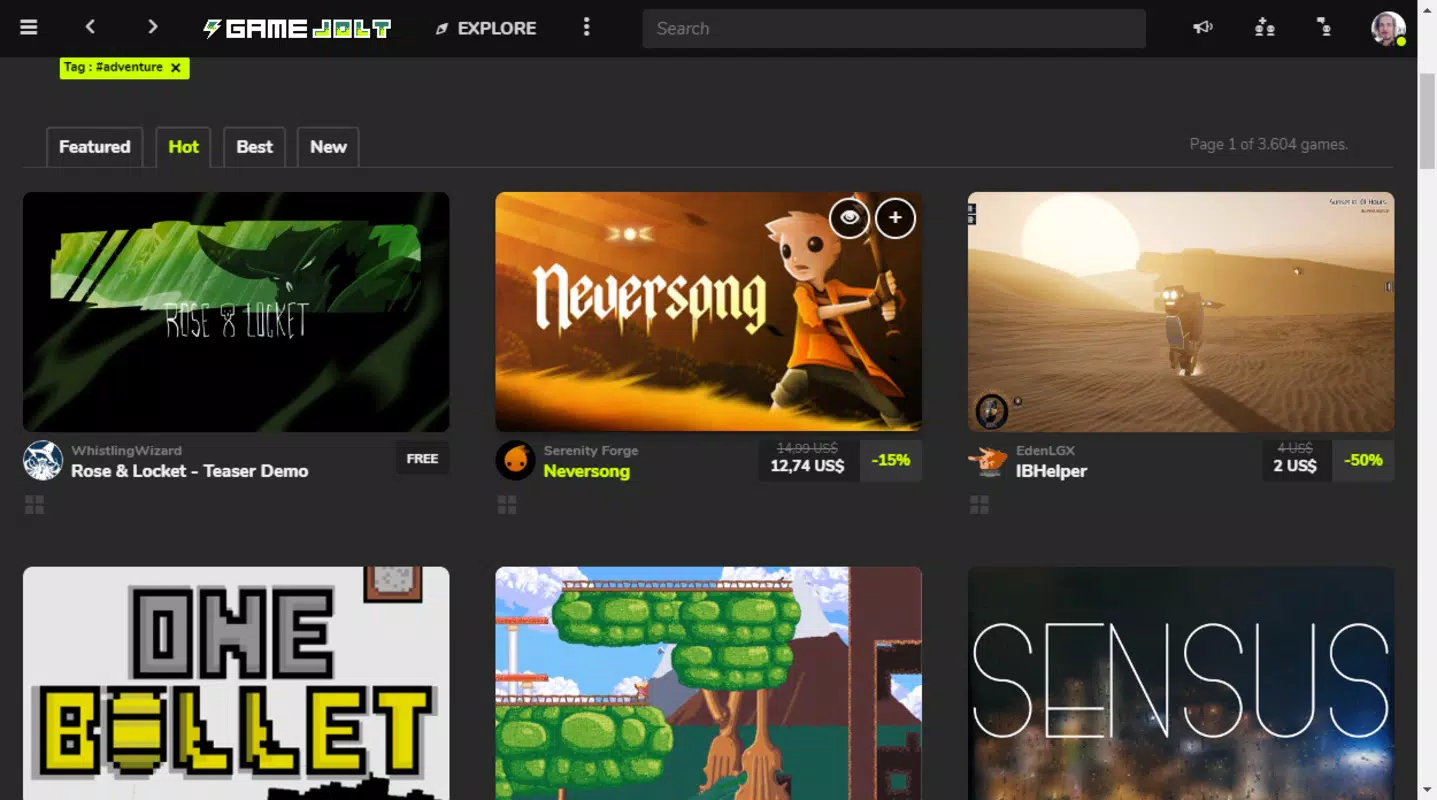
- Extensive Game Catalog: The client provides access to over 100,000 games, with filtering options by genre, popularity, and title, allowing users to efficiently locate content tailored to their interests.
- Streamlined Download and Access: Games can be downloaded directly through the client, with all installed titles automatically synced to the user’s account for future access across devices.
- Free-to-Play Focus: The majority of games available are free, allowing users to explore a wide range of indie titles without financial commitment, ideal for casual exploration and discovery.
- Direct Developer Support: After playing a game, users can choose to pay what they want to support the creator, promoting a sustainable model for independent game development.
These features benefit real users by reducing friction in game discovery and acquisition. For example, a user interested in puzzle games can filter the catalog by genre and instantly download multiple titles. The pay-what-you-want system allows passionate fans to contribute to projects they enjoy, strengthening the indie development community. The centralized library also ensures that users never lose track of their downloaded games, even if they reinstall the app or switch devices.
Interface, UX & Performance
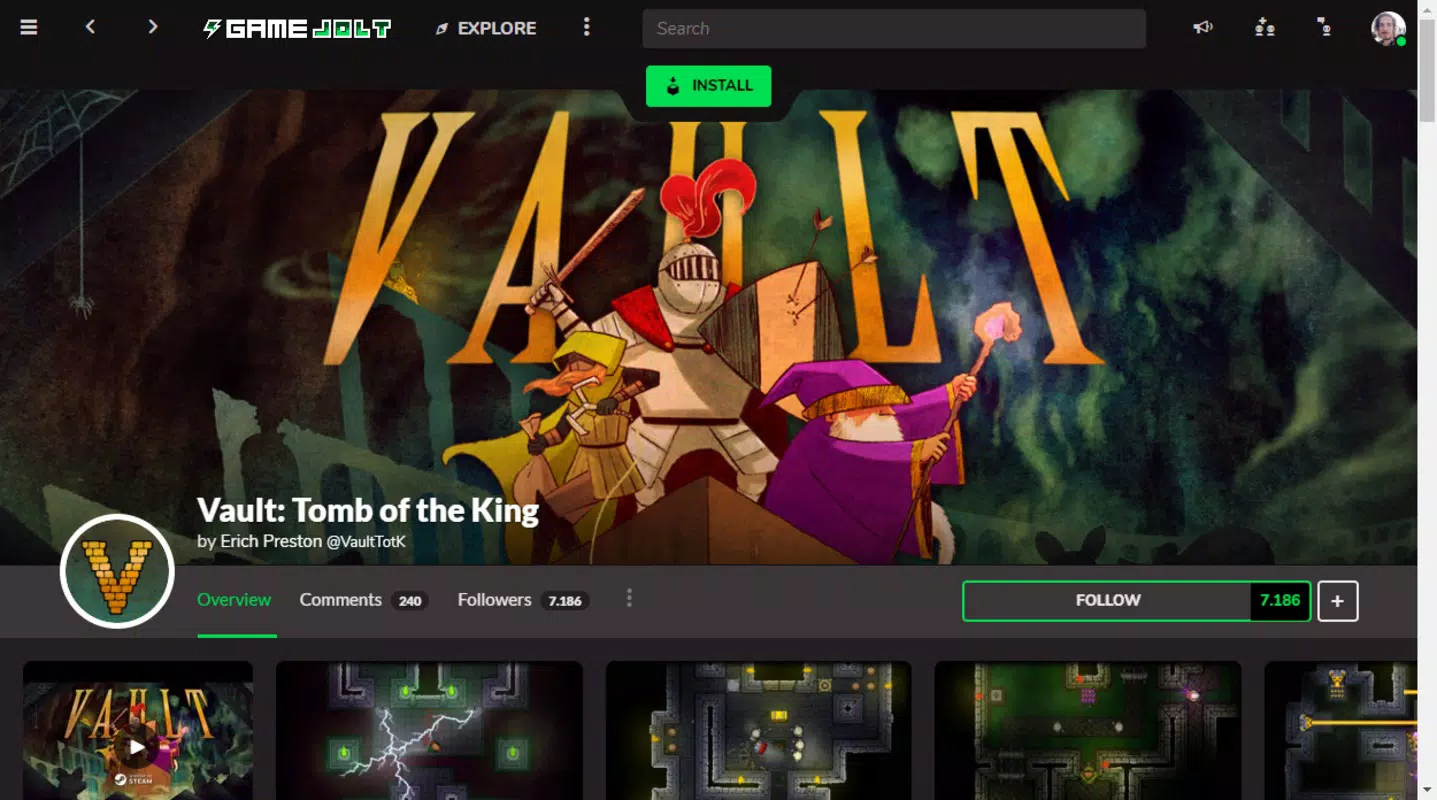
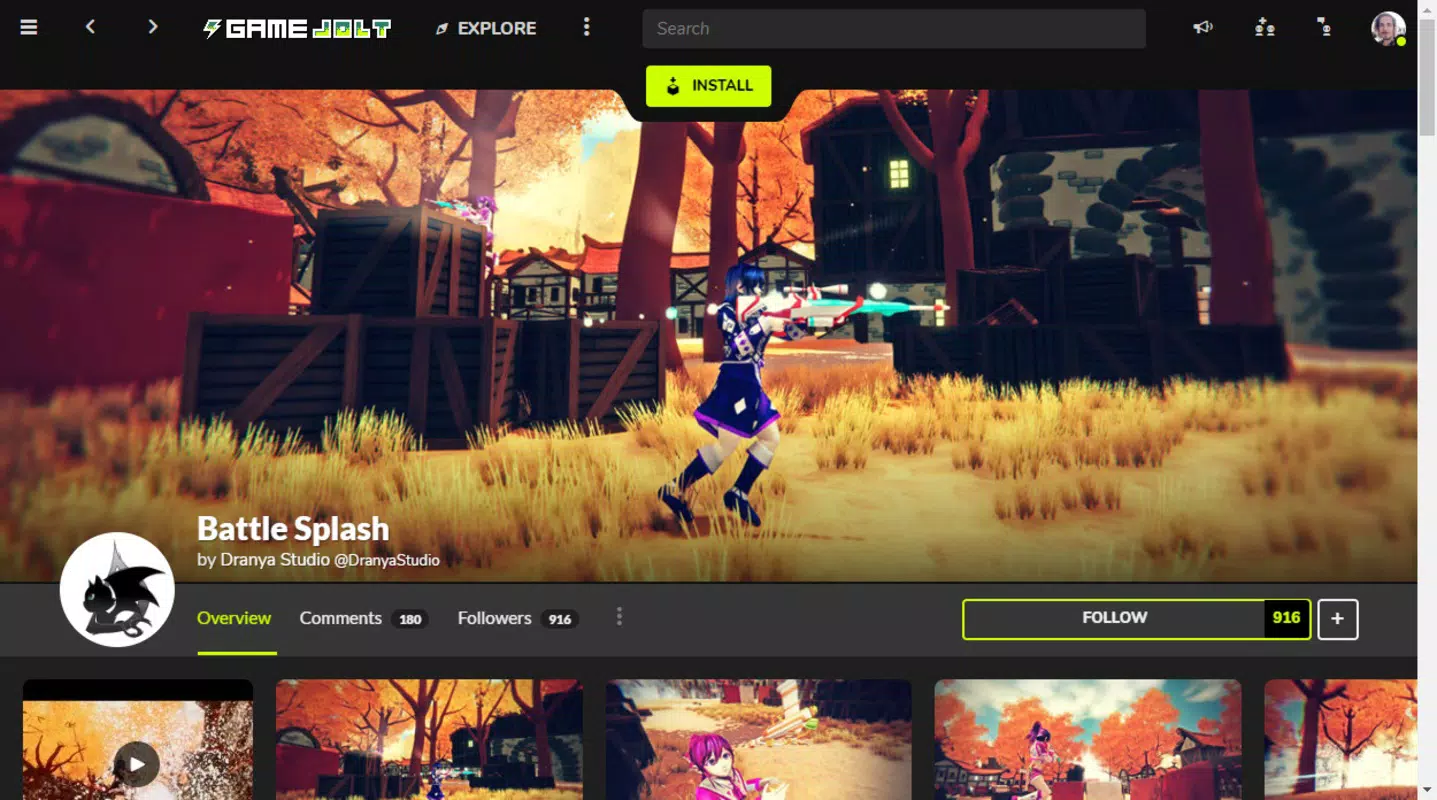
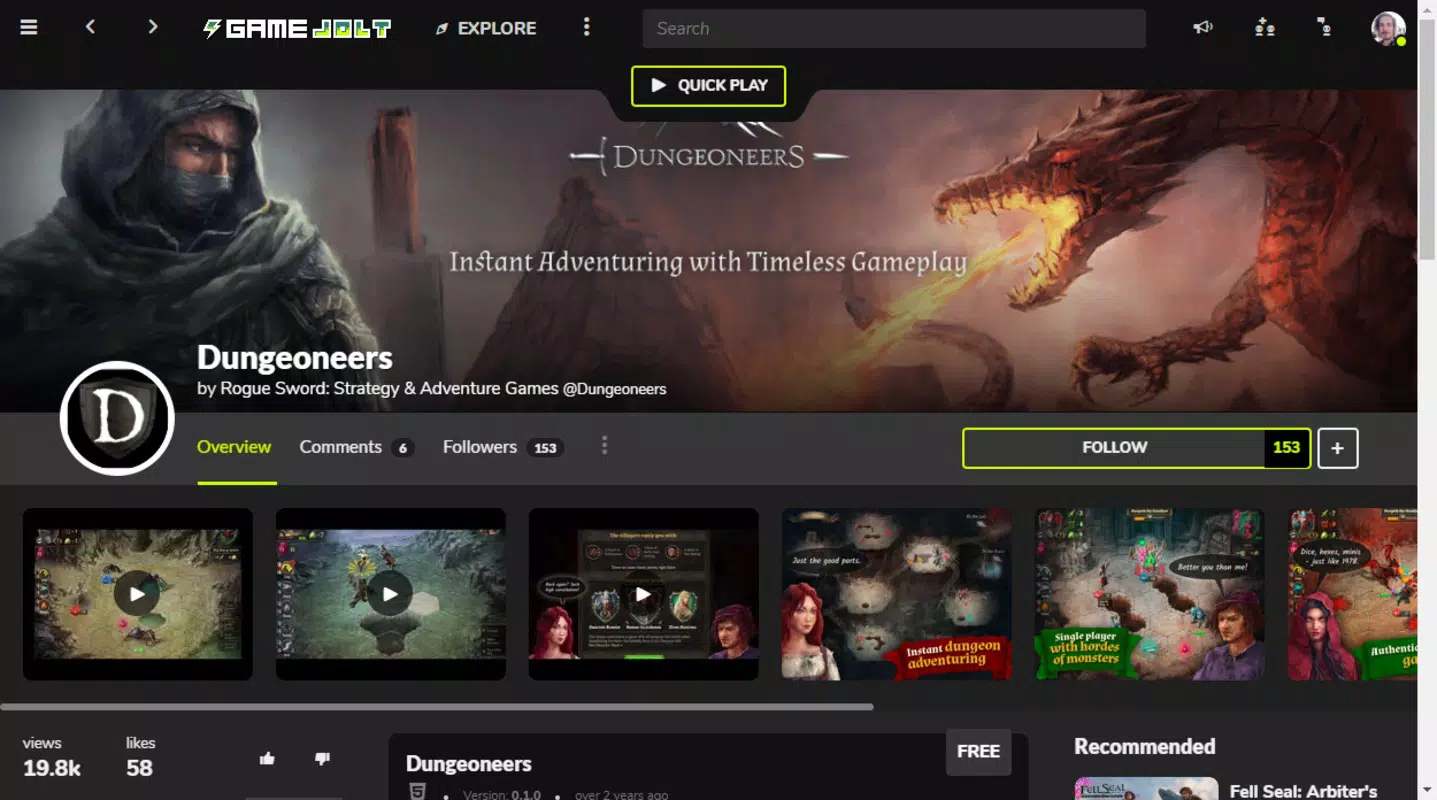
Game Jolt Desktop features a clean, modern interface designed for ease of navigation. The layout organizes content into clear sections, including featured games, categories, and the user’s personal library. Visual elements are minimal yet functional, emphasizing game thumbnails, titles, and metadata to enhance discoverability.
Navigation is intuitive, with a sidebar for quick access to main sections and a search bar for direct queries. The app maintains consistent responsiveness across different screen sizes and device types, though the developer did not list formal performance metrics. Stability appears reliable based on the app’s streamlined design and absence of reported crashes in public forums.
Although the developer did not specify minimum OS requirements or performance benchmarks, the application runs efficiently on standard Windows systems. The 142 MB file size suggests a lightweight footprint, contributing to fast installation and minimal system impact. Users can expect smooth transitions between menus and quick loading times for game listings, even on mid-range hardware. The overall experience prioritizes usability over visual complexity, making it accessible to both novice and experienced users.
Platform Compatibility & Technical Requirements
Game Jolt Desktop is available exclusively for Windows, as confirmed by the developer. The current version is 1.1.0, released on May 15, 2024. The application has a file size of 142 MB, indicating a compact installation package suitable for most Windows-based devices.
Specific system requirements, such as minimum OS version or hardware specifications, were not listed by the developer. Compatibility information was not fully disclosed, so users are advised to ensure their system meets general Windows 10 or later standards for optimal performance. The app does not appear to require additional software or runtime environments beyond standard Windows dependencies.
Pros and Cons
Pros
- Extensive catalog of over 100,000 indie games
- Free access to the majority of games
- Simple sign-in via social media accounts
- Centralized game library with automatic sync
- Direct support for developers through pay-what-you-want model
Cons
- Platform availability limited to Windows only
- Developer did not provide detailed system requirements
- No built-in multiplayer or social features within the client
- Interface may feel basic compared to commercial platforms
- Limited customization options for the user dashboard
FAQ
Is Game Jolt Desktop free to download and use?
Yes, the app is completely free to download and use. There are no subscription fees or in-app purchases required to access the core features.
Can I play games offline after downloading them?
Yes, once games are downloaded through the client, they can be played offline, provided the game itself does not require an internet connection for operation.
Is my data safe when using social media logins?
Game Jolt uses standard OAuth protocols for social logins, ensuring that user credentials are not stored by the app. Data privacy is maintained in accordance with the platform’s official policies.
How do I support a developer after playing a game?
After playing a game, users can choose to pay what they want directly through the app’s interface, contributing financially to the developer’s work.
Does the app receive regular updates?
While the developer has not specified an update schedule, the app was recently released on May 15, 2024, indicating active maintenance and development.
Final Thoughts
Game Jolt Desktop stands out as a powerful, no-frills tool for indie game enthusiasts seeking a reliable way to explore and enjoy free, user-generated content. Its extensive catalog, seamless download process, and built-in support system make it a valuable asset in the growing indie gaming landscape. The app’s focus on accessibility and community empowerment sets it apart from more commercial platforms.
While it lacks advanced features like built-in chat or cross-platform sync, its strengths lie in simplicity, performance, and purpose. Gamers who value discovery, affordability, and ethical support for creators will find this desktop client indispensable. For those invested in the future of independent game development, Game Jolt Desktop offers both entertainment and a meaningful way to contribute.
Download Game Jolt Desktop now


